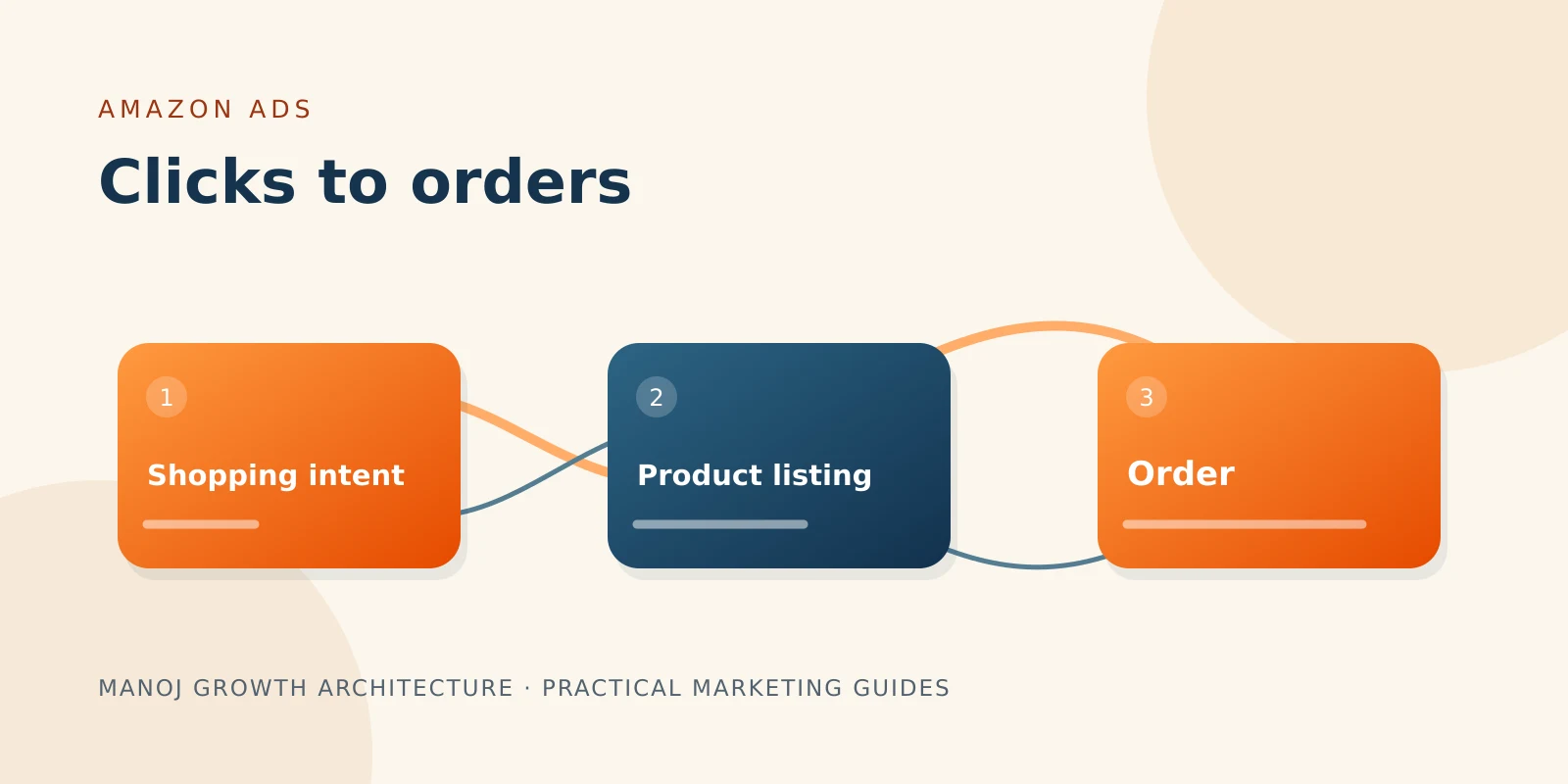
A shopper clicks your sponsored product, compares the listing, and leaves. Lowering the bid may reduce the cost of that visit, but it will not explain why the shopper did not buy.
Start by checking the search, the product page, and the economics together.
Does the product answer the shopping need?
Review available search-term and targeting reports. Compare the shopper's apparent need with what your product actually offers.
Someone looking for an insulated steel bottle may click a product that looks similar but is made from plastic. Better bidding cannot resolve that mismatch. Refine unsuitable targeting and make the product's important attributes easy to recognise.
Inspect the listing as a buyer
Check the main image, size, quantity, compatibility, and included items. Can a shopper understand the product without guessing?
Compare the complete offer with relevant alternatives: price, delivery estimate, reviews, and availability. Note where your product has a clear advantage and where the listing needs a better explanation.
Calculate what an order can support
Amazon defines ACOS as advertising spend divided by attributed advertising sales, expressed as a percentage. It also notes there is no universal good ACOS. Amazon Ads: understanding ACOS
For an illustrative ₹1,000 sale, suppose ₹300 remains after product costs, marketplace fees, fulfilment, and expected returns. Spending ₹300 on advertising uses that remainder, leaving nothing for fixed costs or profit. On the same revenue basis, that is a 30% contribution break-even ACOS.
Use consistent treatment of taxes, discounts, and fees when calculating your own limit. A target below that ceiling leaves room for other costs and profit.
Change the part causing the loss
Irrelevant visits call for targeting changes. Relevant visits with weak purchase response call for a closer look at the offer and listing. Orders acquired too expensively call for reviewing bids, targeting, conversion, and margins together.
Allow for the reporting and attribution window of the ad product you use before judging the newest clicks.
Compare the query with the exact variant being advertised
A relevant category does not always mean a relevant product. A shopper may need a particular pack size, material, colour, capacity, or compatibility. Check whether the advertised variant answers that specific need.
If an image appears to show a set but the price covers one item, clarify quantity. If a product fits only certain models, make compatibility easy to verify. These details affect whether a promising click becomes a confident purchase.
Amazon's Sponsored Products search-term report can help inspect customer search terms and product-page contexts that generated clicks. Its report may include ASINs as well as words, so interpret product targets separately from typed queries. Amazon: search-term report
Create a product-level diagnosis
| Observation | Question to ask | Possible response |
|---|---|---|
| Many clicks on an unsuitable query | Is the product genuinely relevant? | Refine targeting or apply an appropriate exclusion |
| Relevant traffic but few orders | Is the offer competitive and clear? | Review listing, price, delivery, and buyer objections |
| Orders but poor contribution | Is acquisition cost above the product's limit? | Review economics and spend allocation |
| One variant performs differently | Are price, availability, or attributes different? | Inspect the variant before making a campaign-wide change |
| Recent results look unusually weak | Has reporting had time to mature? | Recheck after the relevant attribution period |
Work backwards from your product economics
Suppose a product sells for ₹1,200 on a consistent net-revenue basis. Product cost is ₹450, marketplace and fulfilment costs total ₹300, and expected returns and other variable costs add ₹90. That leaves ₹360 before advertising and fixed costs.
If the business wants ₹120 left after advertising, it can allocate ₹240 to acquiring the order under those assumptions. The resulting planning ACOS is 20%: ₹240 divided by ₹1,200.
Now suppose the listing converts 8% of ad clicks into orders. At a ₹20 click cost, the implied advertising cost per order is ₹250, slightly above that allocation. At a ₹12 click cost and the same conversion rate, it is ₹150.
These figures are illustrative. Conversion rates can change with traffic and placement. Use the calculation to understand the relationship between click cost, purchase response, and contribution, rather than treating any bid as permanently correct.
Improve information before assuming price is the problem
Check customer questions and review themes for uncertainty. Buyers may need dimensions, installation requirements, care instructions, or a clearer view of the product in use.
Show those answers accurately in the listing. Do not invent reviews or claims. A useful comparison with your own variants can also help a buyer choose the right option, where the listing format supports it.
If lowering the price is a realistic test, recalculate the acquisition allowance first. A higher conversion rate after a discount may still produce less contribution per order.
Avoid judging every recent click as a failed purchase
Amazon's attribution rules vary by advertiser and campaign type. For example, its documentation distinguishes seller Sponsored Products from vendor and author attribution windows. Check the rule applicable to your account instead of applying one universal delay to all reports. Amazon: attribution by campaign type
Also distinguish attributed advertising sales from total business growth. A reporting improvement does not by itself establish how many additional orders the ads caused.
Set a useful review routine
Review availability and obvious listing errors promptly. Assess search relevance and spend regularly. Evaluate advertising efficiency using data that has had time to mature, together with current margin assumptions.
Before increasing spend, ask whether the product can convert relevant shoppers, whether stock and delivery support the offer, and whether the acquired orders leave the contribution your business needs.
Try this next: choose one product with meaningful spend, compare its search relevance and listing against alternatives, and record one focused change. Review both orders and contribution rather than chasing a lower ACOS alone.